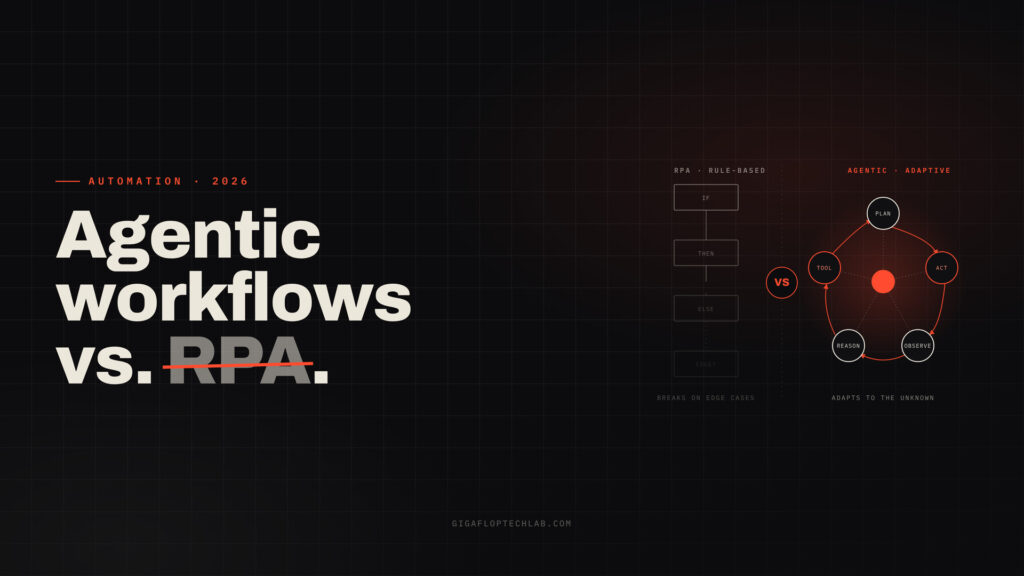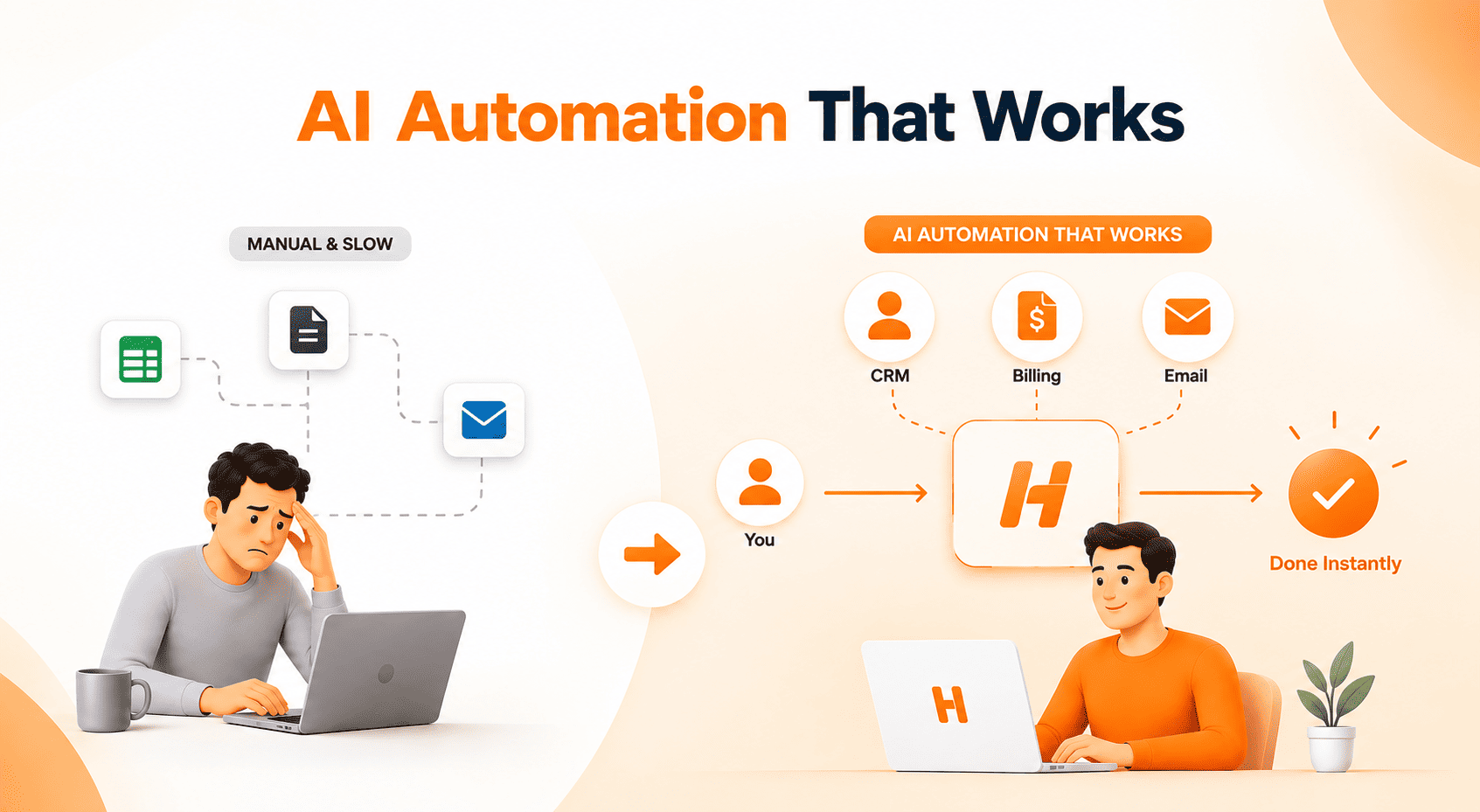
Generative software has made natural language tools easily accessible to a large number of its users. The next important advancement in employing AI technology for small business operations is the transition from composing simple text to performing elaborate and multi-step processes without having to increase the number of technical specialists in the employee pool.
While large corporations spend millions of dollars on the maintenance of separate departments with teams of data analysts, the small and medium-sized companies make use of low-code technologies, pre-prepared cloud models and smart API interfaces. The U.S. Chamber of Commerce research shows that over 58% of small businesses are making active use of generative AI, with 91% of small and medium-sized companies marking noticeable revenue growth according to the data distributed by Salesforce. The replacement of manual data entry with automated processes creates additional possibilities for small teams of providers in terms of logistics, eliminating the difficulties related to operational efficiency, shortening the time of the support provided to consumers, and increasing revenues.
“Small businesses don’t fail from a lack of data, they fail from a lack of execution speed. Pre-built AI models give lean teams the operational leverage previously reserved for Fortune 500 companies.”
This executive guide outlines how small business owners, CTOs, and founders deploy AI automation for small business growth, evaluate software options, and achieve high ROI without managing complex code.
Traditional Data Teams vs. Modern AI Automation
To understand how modern tools transform operations, business leaders must distinguish traditional data engineering from accessible cloud automation.
| Capability Layer | Traditional Data Engineering Team | Modern AI Automation Approach |
| Upfront Investment | High ($200k+ specialized engineering salaries) | Low (Pay-as-you-go SaaS models) |
| Deployment Horizon | 6–12 months of custom software development | 2–4 weeks using off-the-shelf cloud tools |
Technical Requirement | In-house data pipelines and custom code | Low-code/no-code visual workflow builders |
| System Maintenance | Continuous model training and infrastructure management | Handled entirely by secure cloud vendors |
| Time-to-Value | Slow, high-risk operational payback | Immediate, measurable cost and time savings |
Rather than hiring data scientists to build algorithms from scratch, modern leaders combine mature software tools (such as Zapier, Make, HubSpot AI, and Gorgias) to link existing operational software.
4 High-Impact Use Cases for Small Business Growth
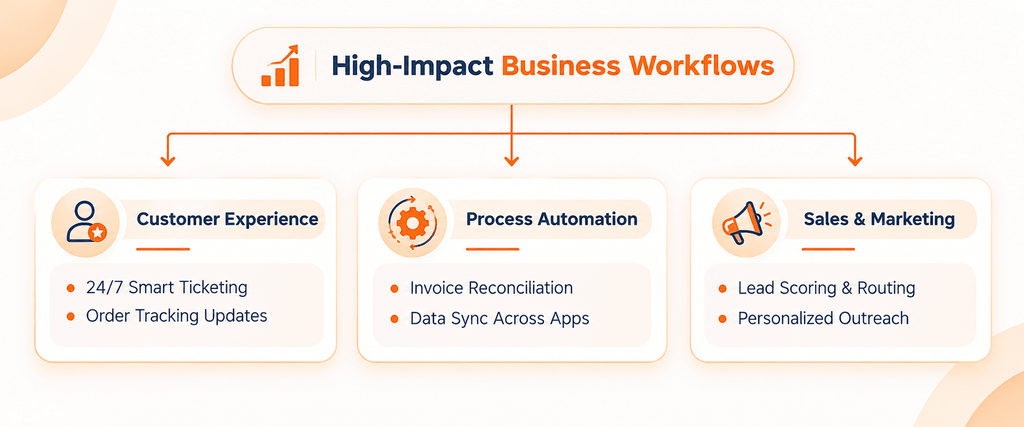
Focusing on targeted, repetitive bottlenecks ensures rapid financial returns. Organizations achieve immediate payback across four main operational areas
- Customer Service Support & Automation
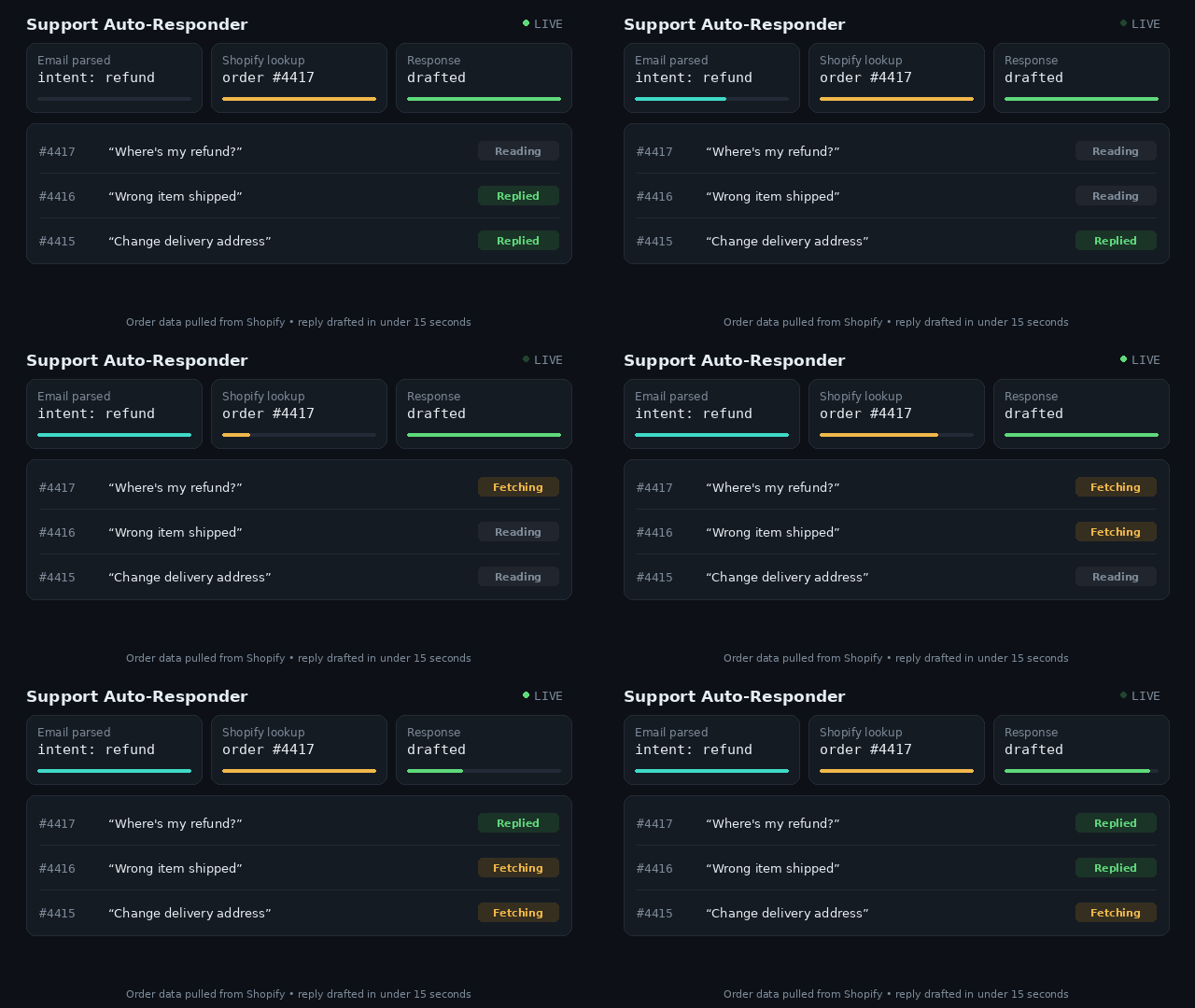
Traditional chatbots utilize strict decision trees. The latest technology reads incoming requests and compares them to customer orders on platforms such as Shopify for automatic handling of simple queries. - Financial Reconciliation & Billing
Bill collection is subject to delay due to manual processes. Automated systems extract line item details from PDF forms and reconcile invoices and corresponding purchase orders to detect discrepancies for review by human agents. - Sales Prospect Generation & Evaluation
Instead of taking a long time researching leads, automation is able to qualify incoming forms, improve company data from relevant registries, and assign hot leads to sales teams. - E-commerce Inventory Management
The use of intelligent stocking technology makes it easier to keep track of inventory movements in different channels and to send alerts or generate purchase orders automatically when stocks are low.
Step-by-Step Implementation Roadmap for Business Leaders
Executing a successful initiative around AI consulting for small business operations requires clear governance, realistic scope, and defined success metrics.
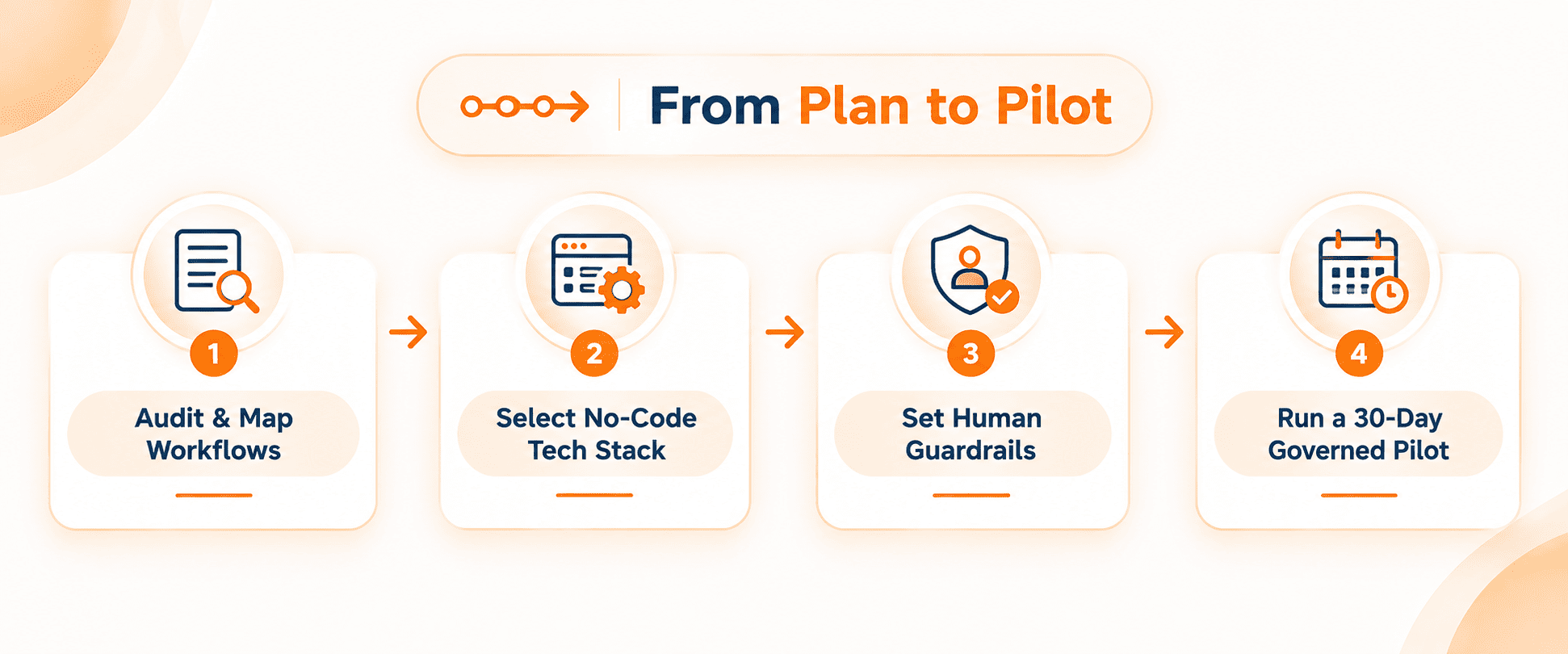
Phase 1 – Assess and Identify Repeatable Processes
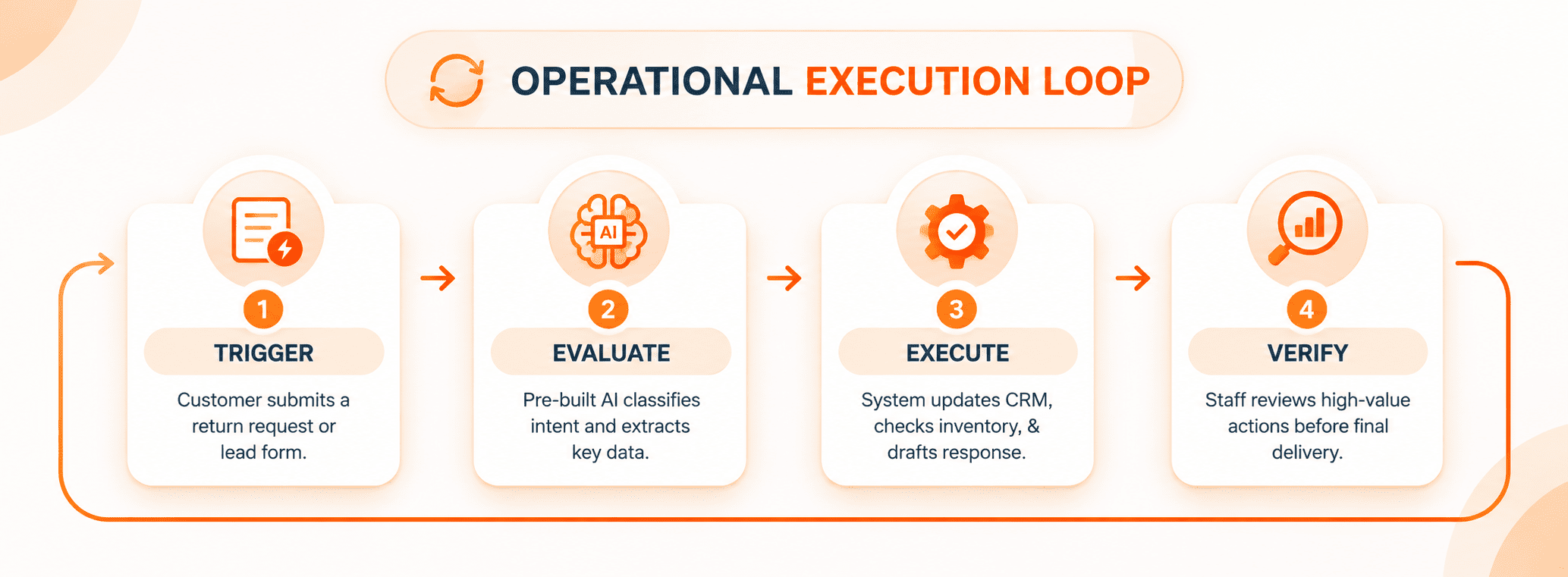
Instead of issuing vague instructions like “automate our company,” instead make a record of tasks that take up a large number of employees’ hours each week. Pick systems affected by strict regulations that can be automated like approving return requests.
Phase 2 – Pick Low Code and No Code Solutions
- Connectors – Zapier, Make, or n8n for transferring data from one platform to another.
- Support – Gorgias, Zendesk AI, or Intercom Fin to make problems solved automatically.
- Sales and Marketing – HubSpot AI or ActiveCampaign to ensure the automation of processing of leads.
Phase 3 – Define a Human-in-the-Loop Policy
Minimize operational issues by setting strict boundaries. Determine which processes can run on automatic mode (for example, sending notifications on order status) and which processes can be automated only with the management’s approval (for example, approving refund transactions).
Phase 4 – Run the Pilot with Controls for 30 Days
Establish automation together with existing personnel. Evaluate its processing time, efficiency, and number of exceptions.
💡 Ready to eliminate manual operational bottlenecks?
experimenting without clear financial payback. Book a Free 15 min call with our strategy team to pinpoint your top 3 high-ROI workflows
Managing Risk: Security, Data Privacy, and ROI
Establishing automated systems means that management must address certain business aspects beforehand:
- Security : All software vendors should comply with security protocols from institutions like the National Institute of Standards and Technology. Select services that ensure customers’ business data is never used to build the public machine learning model.
- Redundancy : Have manual alternatives to sensitive processes so the company can operate smoothly even if the API fails.
- Metrics : To be able to measure the effectiveness, it is necessary to collect some basic operational metrics (e.g., costs per transaction, manual hours for processing, and errors) before the implementation phase.
Frequently Asked Questions (FAQs)
In most cases, small companies begin their journey with conventional software subscriptions, which might cost anywhere between $50 and $300 per month. More comprehensive automation initiatives, including customized API integrations, can require additional consultation fees for implementation. However, they are guaranteed to bring significant savings on labor within the first 3-6 months.
Not at all. There are modern no-code automation tools that allow anyone without any special knowledge to control automation processes.
By introducing certain controls in connection with the execution of high-risk operations, which may require human approval before proceeding.
Transform Your Operations with Smart Automation
It is not necessary to have a collective of data science specialists in order to create an effective and thoroughly automated business. Today, slim businesses can reach the scale of huge companies by choosing proper off-the-shelf software and focusing on the most difficult processes.
Ready to build a faster, more profitable business model?