Choosing the right technology for AI process automation comes down to handling variance. While legacy software excels at rigid, predictable tasks, modern operational bottlenecks involve unstructured data, dynamic decision-making, and changing software interfaces.
Organizations often over-engineer simple tasks using costly cognitive systems or force rigid bots into messy processes that constantly break. According to recent enterprise architecture benchmarks from Gartner, over 50% of legacy RPA deployments incur higher-than-expected maintenance costs due to fragile user interfaces and unhandled exception loops.
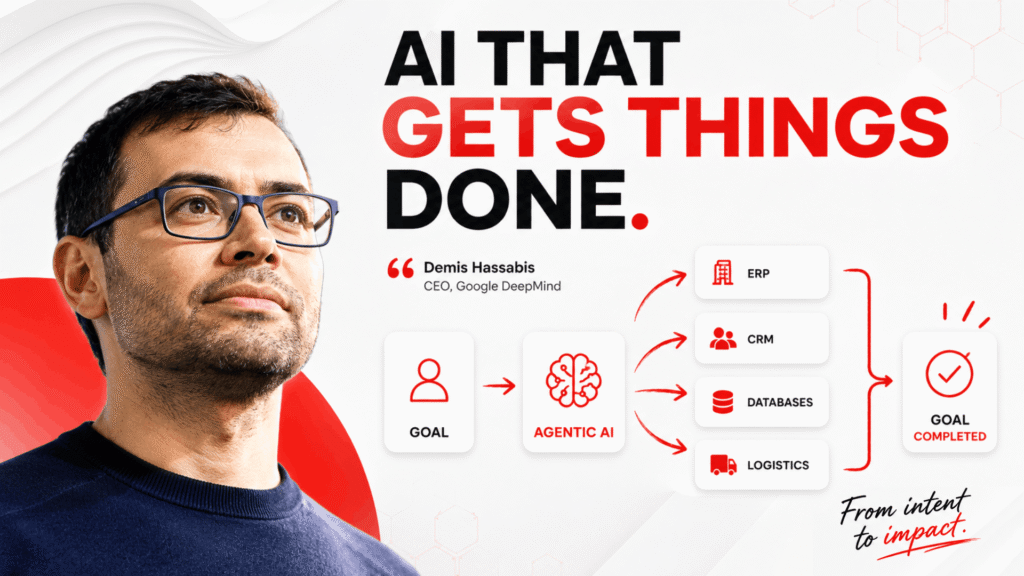
As Salesforce CEO Marc Benioff has noted about the rise of AI agents,
“businesses are entering a new era where AI can work alongside people and take on more complex tasks.”
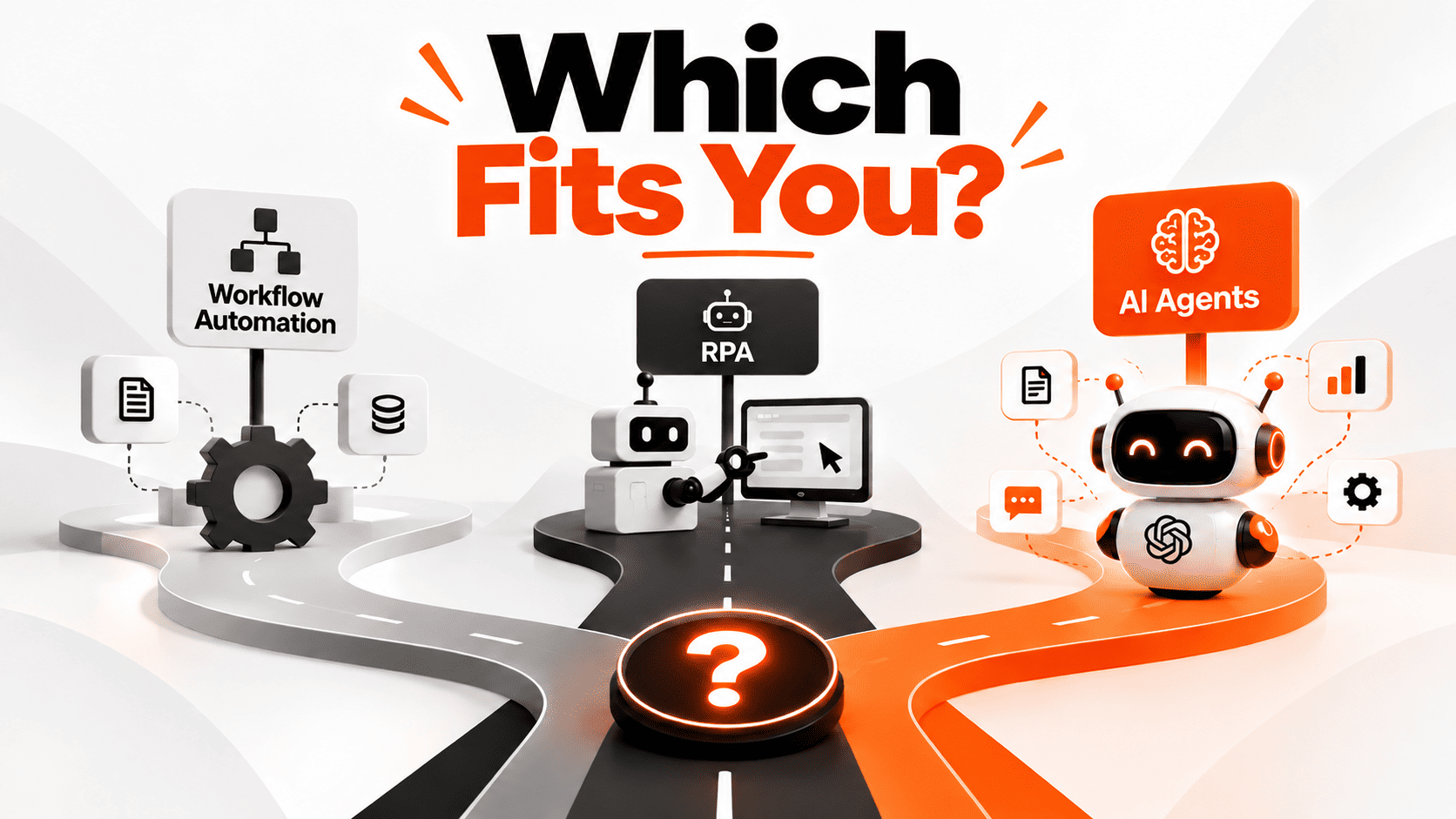
This guide provides a direct, head-to-head architectural comparison of autonomous ai agents, Robotic Process Automation (RPA), and API-driven ai workflow automation to help leaders pick the right tool for their specific operational stack.
AI Agents vs. RPA vs. Workflow Automation: Comparison Matrix
Selecting the proper technology layer requires understanding how each approach handles logic, data inputs, and system integration.
| Operational Layer | Traditional Workflow Automation | Robotic Process Automation (RPA) | Autonomous AI Agents |
| Primary Logic | Hardcoded API-to-API triggers (If/Then) | Scripted UI screen scraping & clicks | Dynamic LLM-driven reasoning & planning |
| Data Handling | Structured JSON / XML payloads | Structured database inputs & static forms | Unstructured PDFs, images, text, & raw data |
| Adaptability | Low (Breaks if API payload changes) | Very Low (Breaks if UI layout shifts 1px) | High (Self-corrects and evaluates context) |
| Best Used For | Direct system integrations & webhooks | Legacy software without accessible APIs | Complex tasks with unpredictable inputs |
| Setup Overhead | Fast (Low-code API builders) | Medium (UI script recording) | Strategic (Requires governance & Evals) |
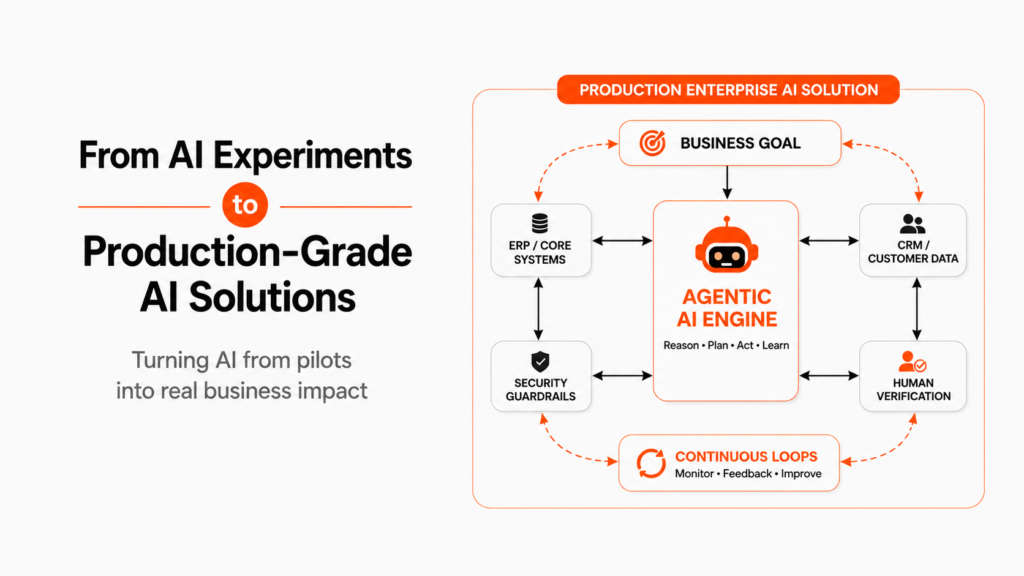
While legacy tools follow static instructions, autonomous ai agents operate on a continuous cognitive loop
- Goal Processing: The system takes a high-level outcome (e.g., “resolve customer shipping dispute”) rather than a rigid script.
- Dynamic Tool Calling: It chooses which APIs, database queries, or search functions to execute based on context.
- Exception Handling: It interprets unexpected data formats or system errors and self-corrects without crashing.
- Human-in-the-Loop Escalation: It flags edge cases that exceed safety thresholds directly to human managers.
Understanding the 3 Technologies: Strengths & Weaknesses
1. Traditional Workflow Automation (API-Based)
In traditional workflow automation, various systems are connected with APIs, thus whenever an event happens in one of the systems, another one is activated automatically.
Strengths – Quick, stable, and economical; no possibility of hallucinations with the help of AI.
Weaknesses – Cannot deal with unstructured information, unclear decisions and systems that do not have the necessary APIs.
2. Robotic Process automation (RPA)
RPA software imitates humans by performing clicks and typing the necessary information when transferring data from one software to another.
Strengths – Can work with outdated systems lacking APIs.
Weaknesses – May crash due to interface modification.
3. Autonomous AI Agents (goal-oriented)
These agents are able to determine a goal and outline the steps to achieve it thanks to AI models and software.
Strengths – Can work even in messily created databases and make serious decisions regarding performing complicated tasks.
Weaknesses – Their behavior may be rather unpredictable.
💡 Not sure which automation architecture fits your technical stack?
Stop guessing and avoiding broken deployments. Book a Free 15-Minute Technical AI Audit with our strategy team to evaluate your workflows and select the ideal tool layer.
Real-World Use Cases – Matching the Tech to the Problem
The right technology depends on the type of task
1. Simple Data Syncing → Traditional Workflow Automation
Moving Shopify order details to Google Sheets or HubSpot can be handled with basic “workflow automation”. It uses APIs and does not need AI reasoning.
2. Legacy Data Transfer → RPA
Moving payroll data from an old desktop system to an internal database is a good use of “RPA”, especially when the software has no modern APIs.
3. Complex Invoice Matching → Autonomous AI Agents
Matching PDF invoices with SAP purchase orders can require “AI agents”. They can read the invoices, check ERP data, find differences, and prepare vendor responses automatically.
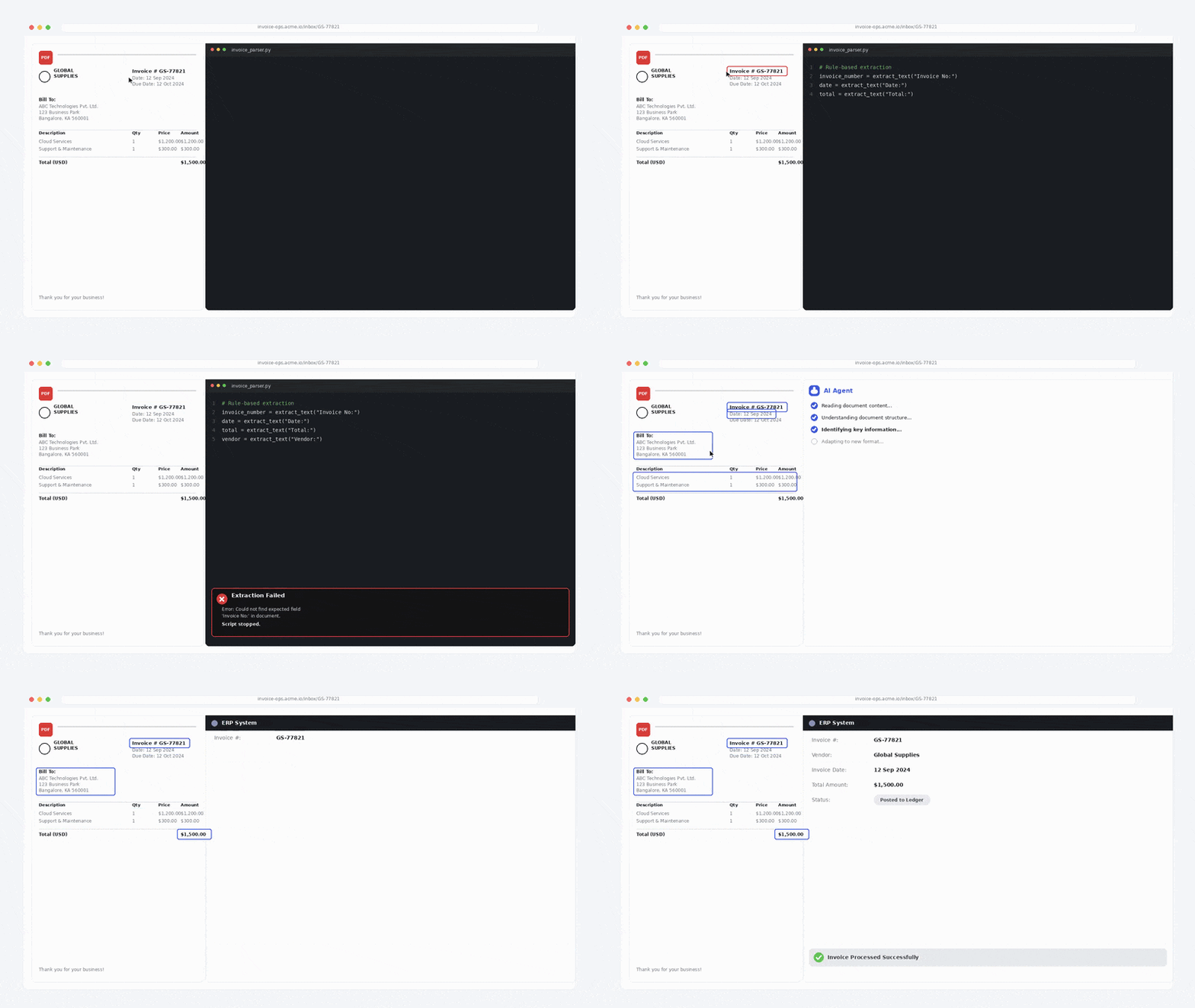
When we modernized backend operations for enterprise partners, we helped a mid-market enterprise cut manual invoice processing costs by 61% by replacing brittle legacy scripts with governed agentic pipelines.
Decision Framework: Which Option Do You Need?
Follow this 4-step decision tree to choose the correct technical approach for your process:
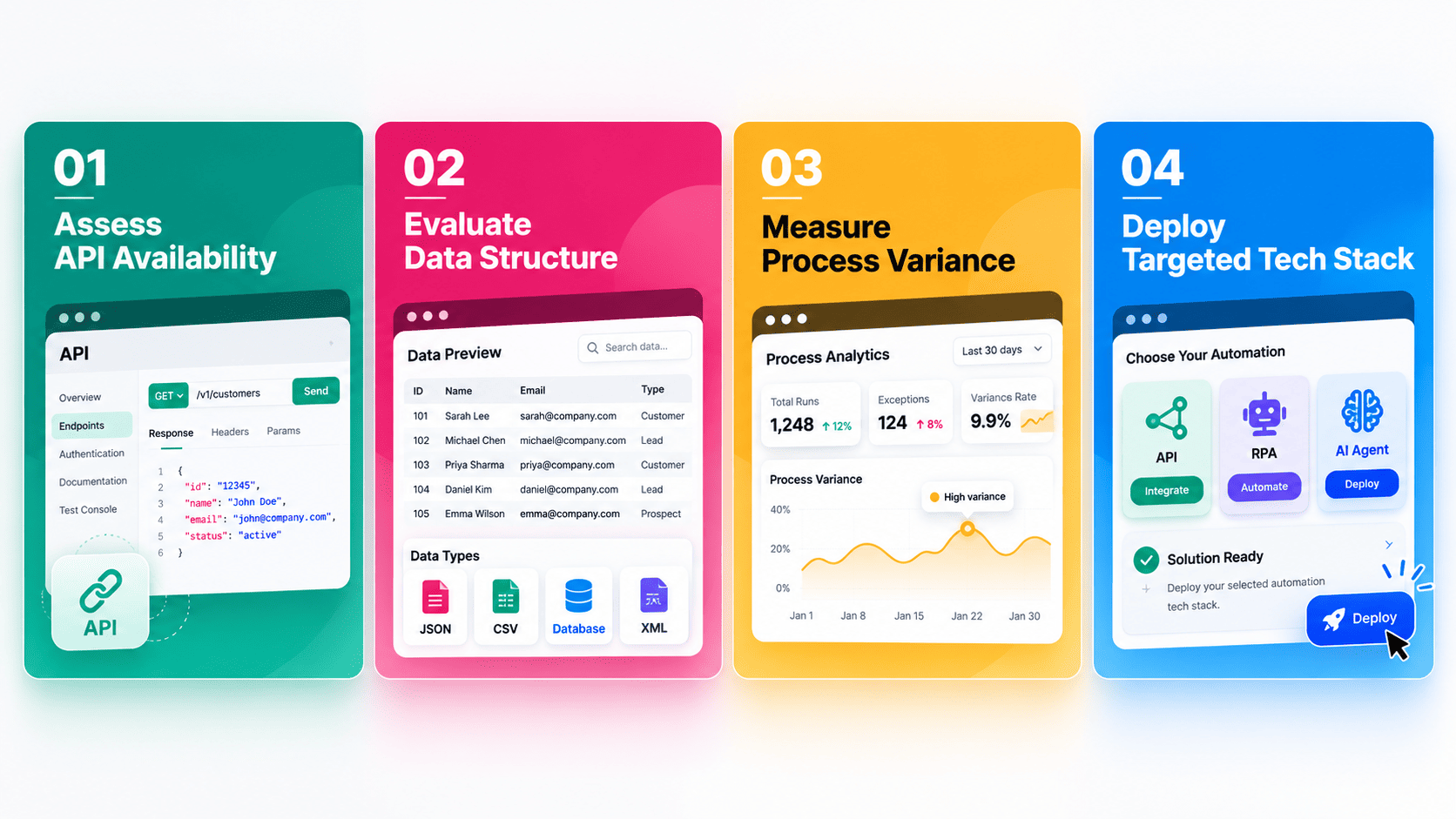
1. Does the software have stable, open APIs?
- No: Use RPA to interface with legacy front-ends.
- Yes: Proceed to the next step
2. Is the incoming data fully structured (e.g., standard database inputs)?
- Yes: Use Traditional Workflow Automation
- No: Proceed to the next step.
3. Does the task require flexible decision-making or self-correction?
- No: Use Traditional Workflow Automation paired with basic parsing scripts
- Yes: Deploy Autonomous AI Agents.
Learn more about managing execution risks in our detailed guide on scoping your first enterprise AI project.
🚀 Modernize Your Operational Workflows
Ready to build secure, scalable automation architectures tailored to your backend tools?
Mitigating Risk: Governance, Reliability, and Cost Control
Deploying advanced AI process automation requires balancing execution speed with operational safety:
- Brittle Interface Failures: Avoid using RPA on frequently updated SaaS applications. Shift toward API-first connections whenever possible.
- Unbounded Agent Loops: Set strict execution bounds and token caps on autonomous agents to prevent loops when backend APIs return unexpected errors.
- Data Security & RBAC: According to recent security reports from MIT Technology Review, autonomous tools must operate under Role-Based Access Control (RBAC) to ensure agents cannot exceed user permissions.
Frequently Asked Questions (FAQs)
Not completely. While autonomous AI agents are better at handling complex and unstructured tasks, RPA is still useful for working with older on-premise software that does not provide modern API access.
Traditional workflow automation follows fixed, pre-defined **If/Then** rules based on specific events. AI agents work more dynamically. They understand the goal, choose the right tools, and change their steps based on the situation and available context.
AI agents can have higher development and AI model costs at the beginning. However, they can reduce long-term maintenance costs because they are less likely to break when small changes are made to the software interface or data format.
Security requires strong **Role-Based Access Control (RBAC)**, API validation, human approval for high-risk actions, and complete activity logs. These controls help businesses monitor agent activity and prevent unauthorized actions.
Choose the Right Automation Stack for Your Enterprise
Solving operational bottlenecks requires choosing the right tool for the job. Simple tasks need API workflows, legacy software needs RPA, and complex, unstructured processes require autonomous AI agents. Building a hybrid stack gives your enterprise the ultimate operational moat.
Ready to deploy governed, high-ROI automation across your business operations?